
Every AI Call. Logged. Auditable.
Complete audit trails stored in your Salesforce org. Supervisor dashboards. One-click export for FINRA, HIPAA, and SEC exams.
25%of organizations have comprehensive AI security governance, with most lacking any record of model inputs and outputs (Cloud Security Alliance, 2025)
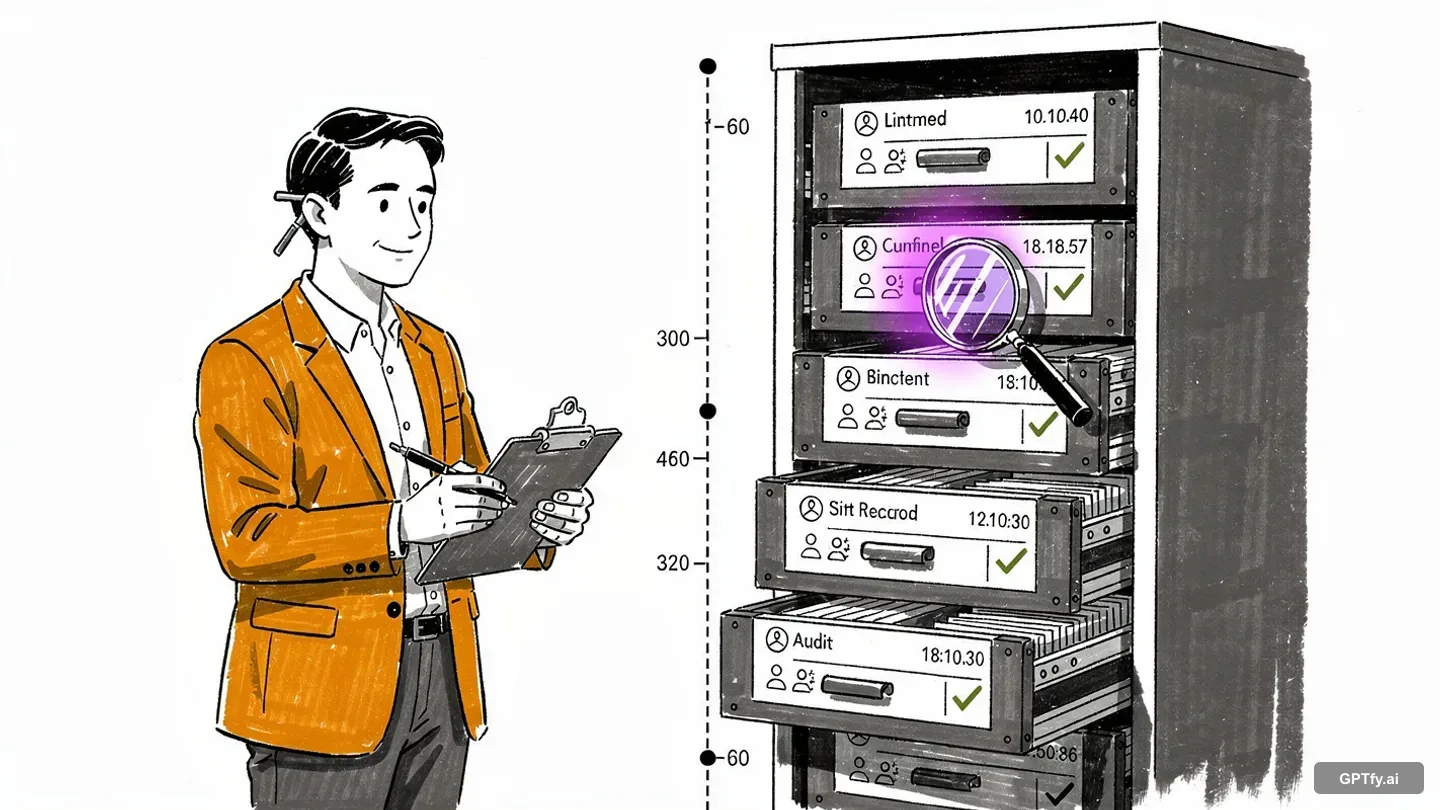
The regulator asks "Show me every AI interaction"
Can you pull that report before lunch? Most AI platforms don't generate the audit records regulators expect.
AI tools weren't built for compliance logging
Users run hundreds of AI prompts daily, but most AI platforms don't generate the audit records regulators expect. No record of what data was sent, which model processed it, or what came back. The gap isn't negligence - it's a missing layer.
“I don't want to send accounts to a separate system.”
- CTO, Financial Services
Secure this with Data MaskingOversight requirements, no oversight tooling
FINRA Rule 3110 requires supervision of electronic communications, and AI interactions qualify. But most AI tools offer little or no supervisor dashboards, exception flagging, review workflows, or user feedback capture.
“No different than an AgentForce agent - configuring that level of engagement.”
- Salesforce Partner, Enterprise Consulting
Secure this with Security LayerProducing evidence shouldn't take months
Regulatory exams require complete records of AI activity. Most AI tools simply weren't designed with this in mind. Producing evidence shouldn't mean stitching logs from multiple systems under deadlines.
“Business users can work on the platform - not a dev-heavy environment.”
- CTO, Financial Services
Secure this with Zero-Trust ArchitectureEverything Regulators Require, Logged Automatically
User & Context Tracking
Every AI request generates a Security Audit Record with full mask-to-unmask chain and toxicity scores. Watch the architecture demo.
Full Prompt & Response Chain
Captures prompt text, masked data, AI response, and de-masked output. User feedback enables quality monitoring. See the compliance demo.
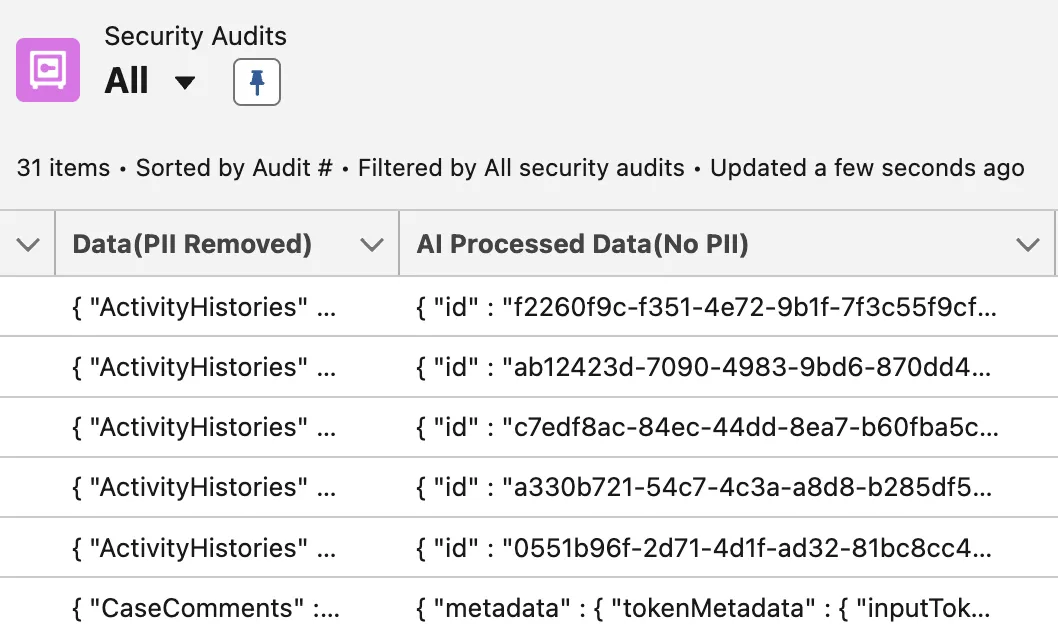
Supervisor Dashboards for Compliance Officers
Three Built-In Dashboards
AI Insights, Quality Insights, and ROI dashboards built on Salesforce reporting. Watch the dashboard demo.
Role-Based Access Controls
Compliance officers see all logs; users see only their own. All within zero-trust architecture.
Meet Industry-Specific Recordkeeping Requirements
Financial Services Compliance
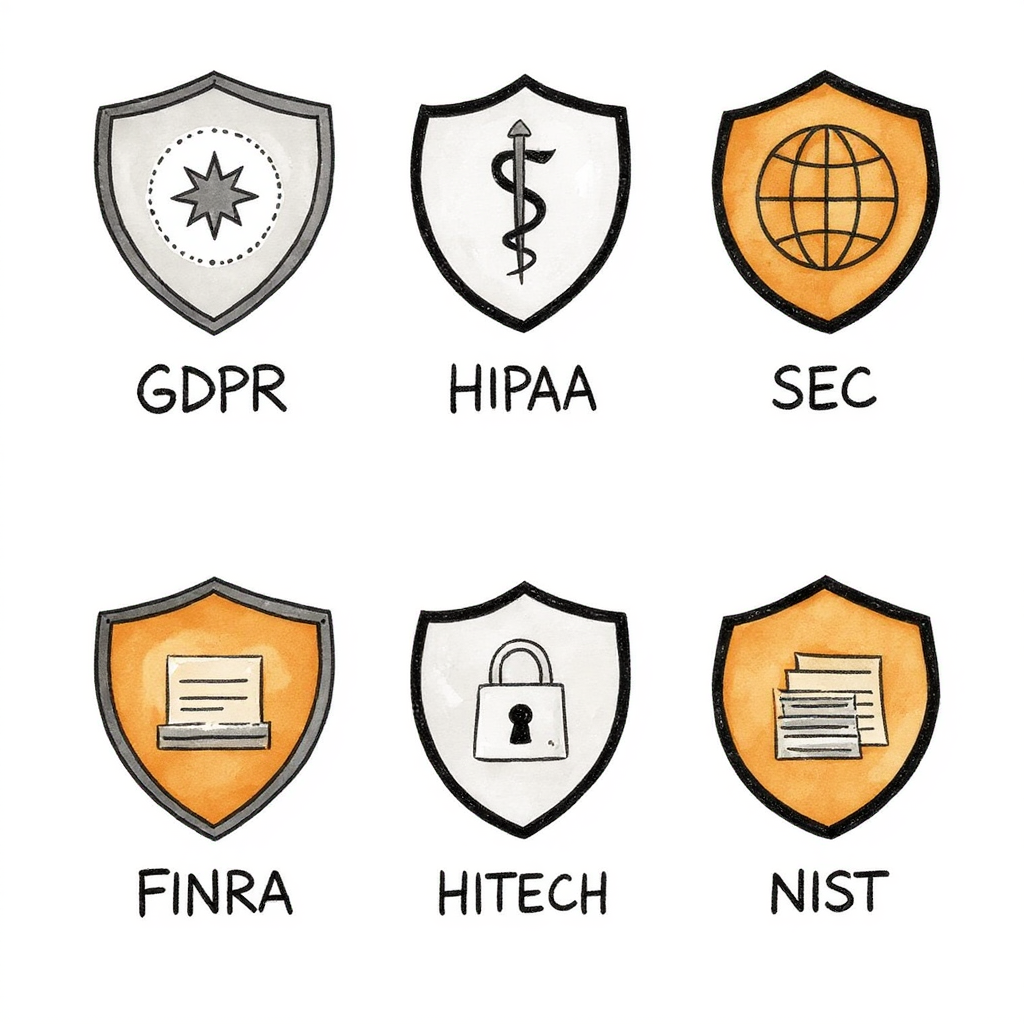
FINRA 4511 (6-year retention), 3110 (supervisor dashboards), SEC 17a-4. Configured in minutes via admin controls.
Healthcare & Cross-Industry Compliance
HIPAA audit controls, HITECH breach scope, NAIC #668, GDPR Article 30. All masking details logged.
Why Choose Audit Trails & Governance
100% of AI Interactions Logged
Every AI request generates a Security Audit Record with user context, full prompt chain, content safety screening, metadata, and user feedback. No interactions slip through.
Configurable Retention Up to 6+ Years
Built-in automated retention from 30 days to 6+ years. GPTfy automatically purges older records. Setting up FINRA-compliant 6-year retention takes minutes. No third-party tools needed.
Export for Exams in Minutes, Not Months
One-click export to CSV, JSON, or Salesforce Reports. Filter by date range, user, record type, or keyword. Exports include all fields required for FINRA Rule 4511 and HIPAA §164.312(b).
Powerful Capabilities
Exception Reporting
Track user-reported issues (partial, made-up, or irrelevant responses) and system failures (AI errors, timeouts, failed requests) with detailed feedback categories.
Export & Reporting
Build custom audit dashboards with native Salesforce reporting tools. Download audit logs as CSV, JSON, or Excel with date range, user, and keyword filters.
Retention Policies
Set retention by regulation: FINRA (6 years), HIPAA (3 years), SOX (7 years), or define a custom period. Auto-purge keeps your org storage efficient.
Role-Based Access
Compliance officers see all logs; users see only their own. Enable Field History Tracking to log any modifications to audit records. Standard Salesforce permission sets.
Key Takeaways
- Every AI request generates a Security Audit Record with full mask-to-unmask chain
- Configurable retention from 30 days to 6+ years for FINRA Rule 4511 compliance
- Three built-in dashboards: AI Insights, Quality Insights, and ROI reporting
- One-click export to CSV, JSON, or Salesforce Reports for regulatory exams
- Role-based access ensures compliance officers see all logs; users see only their own
Frequently Asked Questions
100% in your Salesforce org. GPTfy has no external servers, no data warehouse, no caching layer. Audit logs are written to Salesforce custom objects inside your org. The data never leaves your infrastructure. Your Salesforce admin controls retention policies, access permissions, and export rules using the same tools they already use for any other Salesforce data. GPTfy cannot access your logs remotely. There is no phone-home, no telemetry, and no external synchronization.
GPTfy creates a Security Audit Record for every AI request: User Context (User ID, Timestamp UTC + Local, IP Address, Session ID, Record ID), Full Prompt Chain (exact prompt text, unmasked data extracted from Salesforce, masked data sent to AI, masking/unmasking key), Full Response Chain (AI response without PII, de-masked response shown to user), Content Safety (AI provider screening results for hate, violence, sexual content, self-harm, jailbreak attempts, and protected material with toxicity scores normalized across AI models), Processing (AI Model, Model Version, System Fingerprint, Processing Time, Token Count, Completion Status), and User Feedback (thumbs up/down rating, feedback category, free-text detail for human-in-the-loop quality monitoring).
GPTfy audit logs are standard Salesforce records stored in custom objects in your org. System Timestamps: CreatedDate is system-generated by Salesforce and cannot be modified. Access Controls: Use Salesforce profiles and permission sets to restrict who can view, edit, or delete audit records. Field History Tracking: Enable on audit objects to log any changes. Sharing Rules: Limit audit log visibility to compliance officers and administrators. Salesforce Shield: Customers using Shield get Platform Encryption for audit fields and Event Monitoring. High-Assurance Sessions: Require step-up authentication (MFA) to access audit objects. Every platform security feature your admin already manages applies automatically.
Minutes, not months. One-click export to CSV, JSON, or Salesforce Reports. Filter by date range (Q1 2026, last 6 months, custom), user (specific rep, team, or all users), or record type (Accounts, Cases, Opportunities). Exports include all fields required for FINRA Rule 4511 and HIPAA §164.312(b). You can also build custom dashboards using native Salesforce reporting tools.
Yes. GPTfy ships with three built-in dashboards: AI Insights Dashboard (usage by object, profile, user, role, prompt, and department), Quality Insights Dashboard (user feedback ratings and average response time by object, profile, user, role, prompt, and department), and ROI Dashboard (dollars saved, time saved, and adoption patterns). Supervisors can review AI interactions and export records for compliance review. Role-Based Access: Compliance officers see all logs. Individual users see only their own interactions. Controlled by Salesforce permission sets.
All of them. GPTfy audit trails work across every Salesforce edition and industry cloud: Core clouds (Sales Cloud, Service Cloud, Experience Cloud) and Industry clouds (Financial Services Cloud, Health Cloud, Manufacturing Cloud, Automotive Cloud, Communications Cloud, Education Cloud, Nonprofit Cloud, Consumer Goods Cloud). Retention: GPTfy includes built-in automated retention - configure any period from 30 days to 6+ years, and GPTfy automatically purges older records. No third-party retention tools needed. Setting up FINRA-compliant 6-year retention takes minutes.
Every AI Interaction. Logged, Searchable, Export-Ready.
Complete audit trails stored in your Salesforce org. Supervisor dashboards. One-click export for FINRA, HIPAA, and SEC exams.
Explore More Features
Zero-Trust Architecture
How GPTfy keeps raw data inside Salesforce with admin-controlled AI callouts.
Data Masking
Four layers of PII/PHI masking before data reaches any AI model.
Security Overview
GPTfy's full security architecture: native deployment, compliance, and certifications.
Service Level Agreement
Uptime guarantees, support response times, and severity-based remedies.
End User License Agreement
Terms governing your use of the GPTfy platform.
Demo: Security Architecture
Watch audit trails capture every AI interaction end-to-end